

Minesweeper
Logic · Free online game · No download
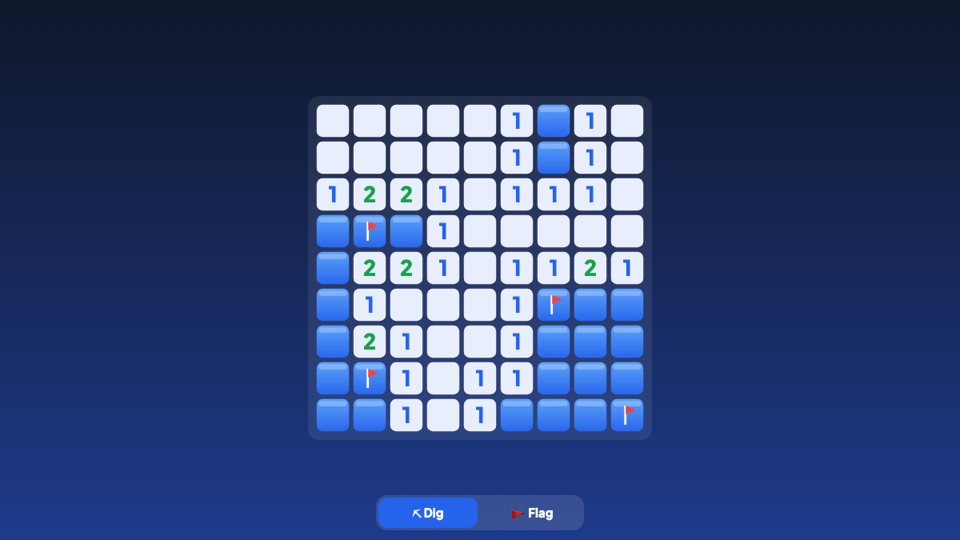
About Minesweeper
Minesweeper is the timeless logic game that has kept players thinking since the early days of personal computers. Your goal is simple: open every square that is not a mine. Each number tells you how many mines touch that square, including diagonals. Use those clues to work out where the mines are, flag them, and clear the board as fast as you can.
How to play Minesweeper
- Tap or click a square to open it. Your first click is always safe.
- A number shows how many of the 8 neighbouring squares hide a mine.
- Mark a mine with a flag: long-press on a phone, right-click with a mouse, or switch to Flag mode.
- Tap a number whose mines are all flagged to open all its other neighbours at once (chording).
- Open every safe square to win. Opening a mine ends the game.
Three classic difficulties
- Beginner — 9×9 board with 10 mines.
- Intermediate — 16×16 board with 40 mines.
- Expert — 16×30 board with 99 mines (turned upright on phones).
Your best time for each difficulty is saved, and with a free PlayNimbo account it syncs between your devices.
Minesweeper tips
Start in corners and edges of open areas, where numbers give the most information. A 1 touching only one closed square means that square is a mine. The 1-2-1 and 1-2-2-1 patterns along a wall are worth learning: they reveal mines instantly. Only guess when no logical move is left.
Minesweeper FAQ
Is this the classic Minesweeper?
Yes. It uses the classic rules and board sizes: Beginner 9×9 with 10 mines, Intermediate 16×16 with 40 and Expert 16×30 with 99.
How do I place a flag on a phone?
Long-press a square, or tap the Flag button at the bottom to switch to flag mode.
Can the first click be a mine?
No. Mines are placed after your first click, and the first square and its neighbours are always safe.
Is Minesweeper free to play?
Yes, it is completely free, runs in your browser and needs no download.


